






The new features in Marketing Plan, Email, and MRM

Blog categories
Here are the latest enhancements of your NippyMarketer.AI in Marketing Plan, Email, Media Relationship Management and many UI and user experience improvements.
Marketing Plan
- When adding templates it creates a draft campaign and adapt the year according to the plan's one. The date validation now only applies to Active/Draft campaigns.
- Added campaigns filter within set date range. When the user opens the campaign selector, they will see the Active and Draft campaigns, for which either launch or end date is withing the Marketing Plan’s date range.
- Added + Add campaign button outside the programs in a marketing plan. On click it opens the campaign list dialog and shows only the campaigns where active and drafts have either launch date or end date within the plan's period.
- Improved add to marketing plan behavior. When a campaign is added to a plan, but does not have previously assigned Program or Product, Nippy automatically assigns the campaign to the Others program.
- Improved behavior when removing campaign from Master plan. When user removes a campaign from the Master Plan, this does not affect the original marketing plan where the campaign is still available.
- Fixed assigning campaign from row, with request FE pass productId or programId, depends on selected row.
- Campaign could be assigned to a product or program in plan view.
- When a campaign is removed from a Marketing Plan, this also removes the assigned to the campaign program.
Nippy Email
- Added dynamic diagonal resize of the email editor. Dragging the bottom right corner will expand the email editor space.
- Added paste from Word and the paste cleanup functionality.
- Added image editor in email. Click on the image, the image editing bar appears.
- Marking and an email task as Complete, prevents from resending the same email.
- Changed subject and preview field limits to 150 characters.
- Added OR AND radio to the Attended event filter.
Media Relationship Management MRM
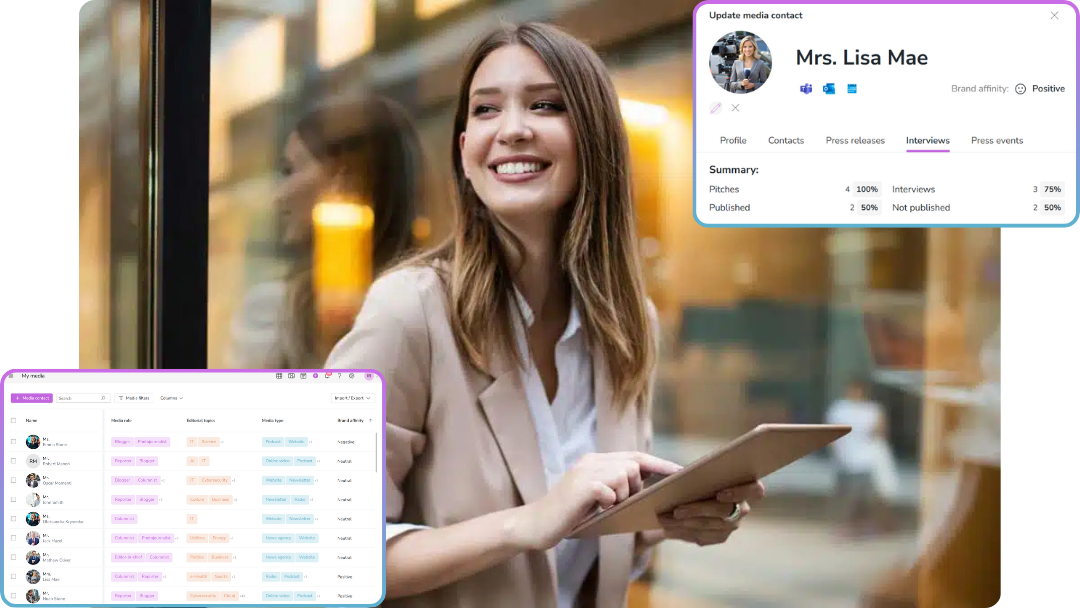
- Added customized tenant Editorial topics. Now, when the use creates new Media, they can add custom Editorial topics in addition to the default ones.
- When user creates new Media Contact and they select available media, the media’s editorial topics are automatically added to the contact.
- The added by a user Editorial topics are available for all users in the tenant.
Schedule a demo or just login in Nippy for free.