



How to create clients and products in Nippy
In Nippy you can create Clients, Business units, or products to manage activities for different client accounts or business units.
In Nippy Agency you can create unlimited number of Clients and Products under Clients. And in Nippy Integrate you can crate any number of Business units and products under business units.
The process is identical in Nippy Agnecy or Nippy Integrate. Here is how to create Clients and Products under Clients in Nippy Agency.
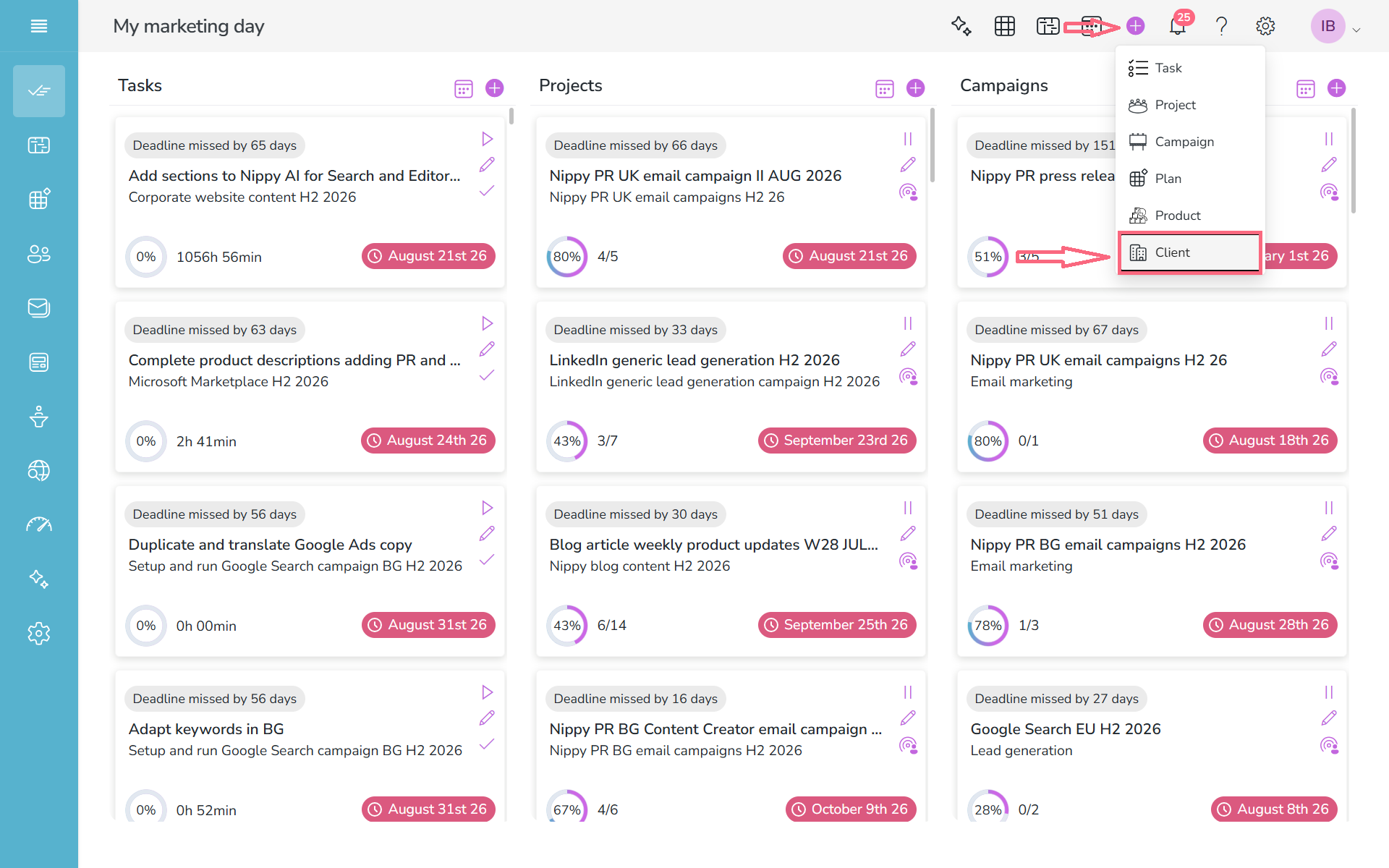
1. Click on the Power button and select Client.
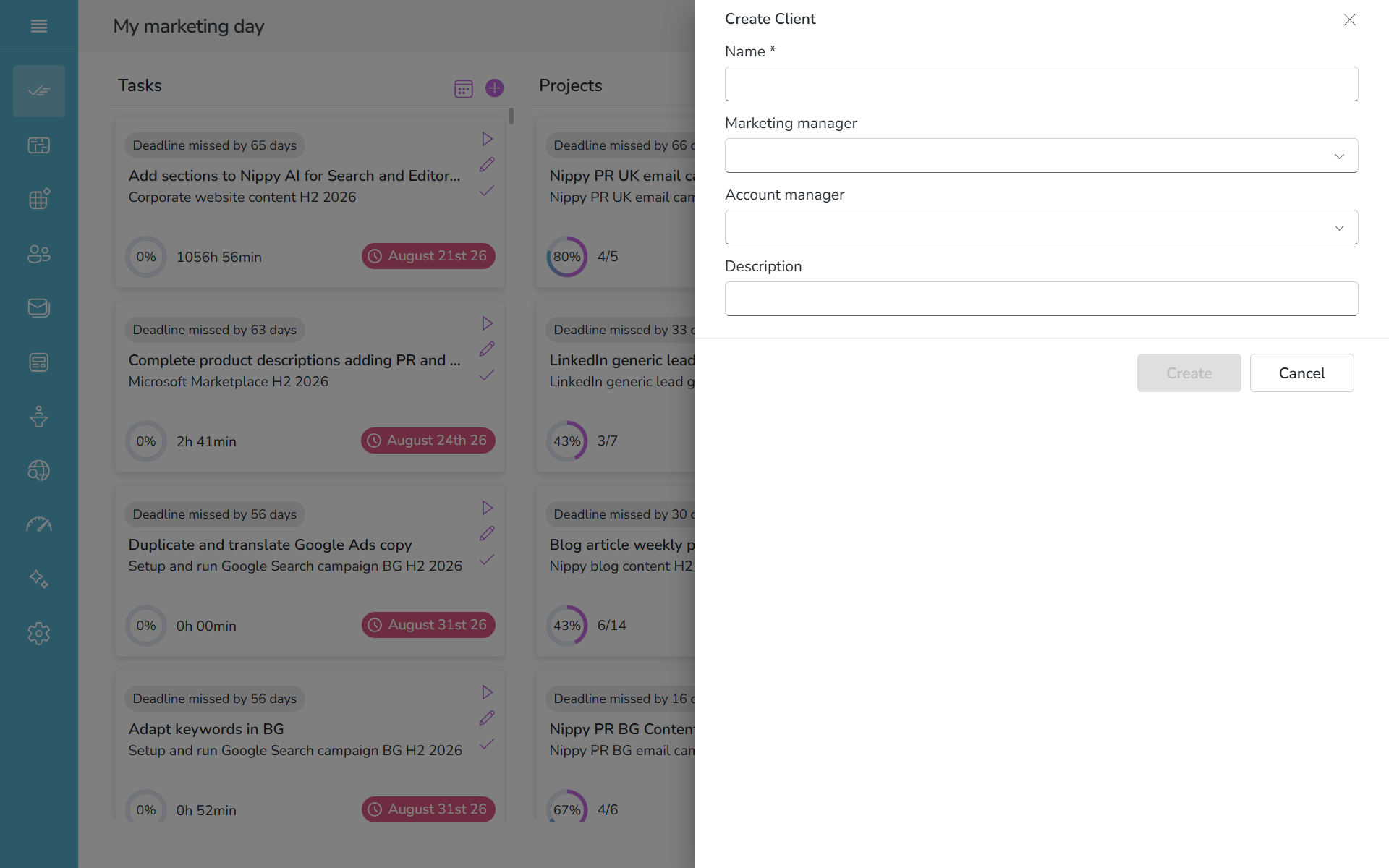
2. Fill in and save the client form.
Marketing manager is the responsible for this client in the client's organization.
Account manager is your manager of this account.
Create a product under Client or Business unit
You can create any number of products under Clients or Business units.
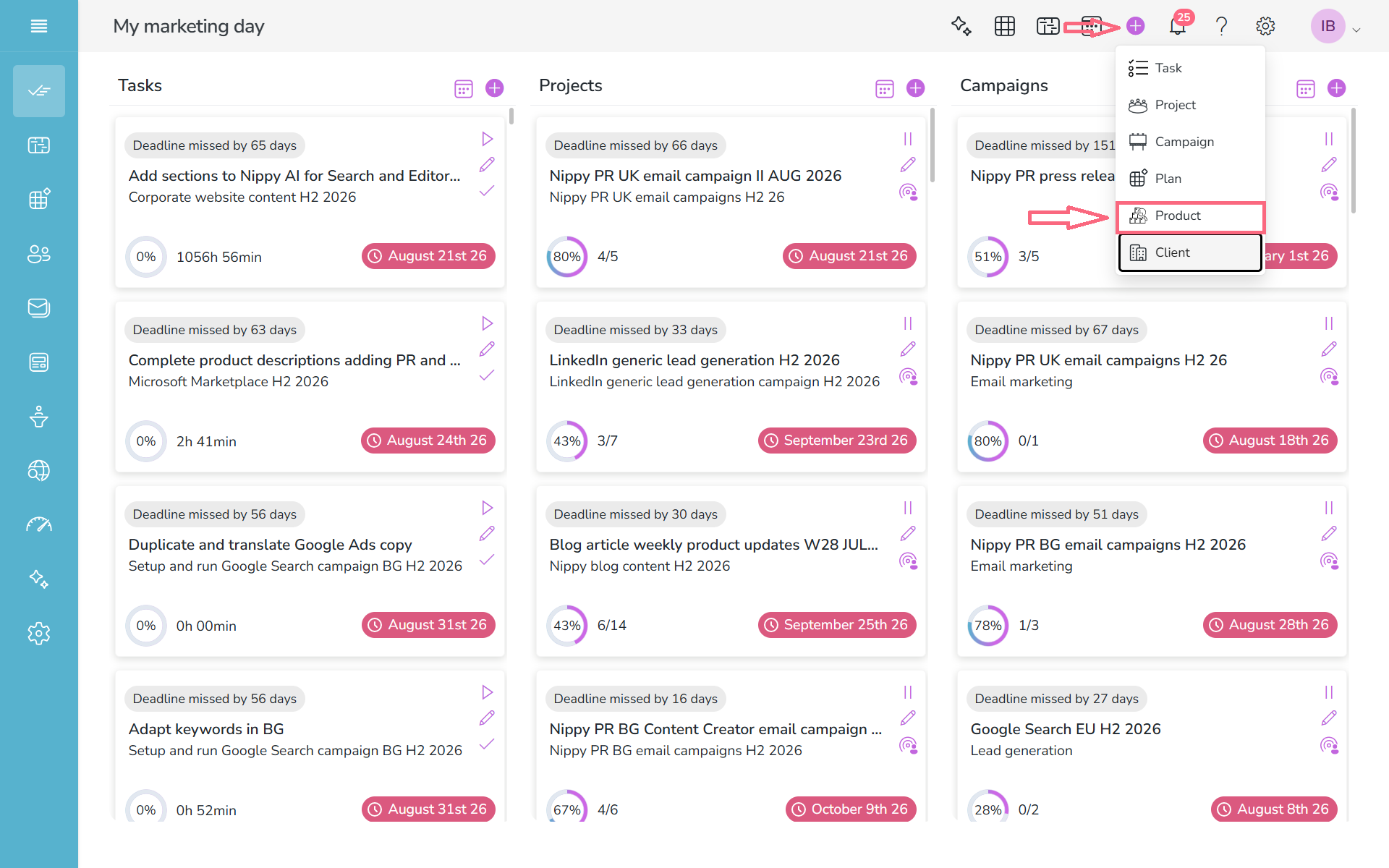
- Go to Power button/Product
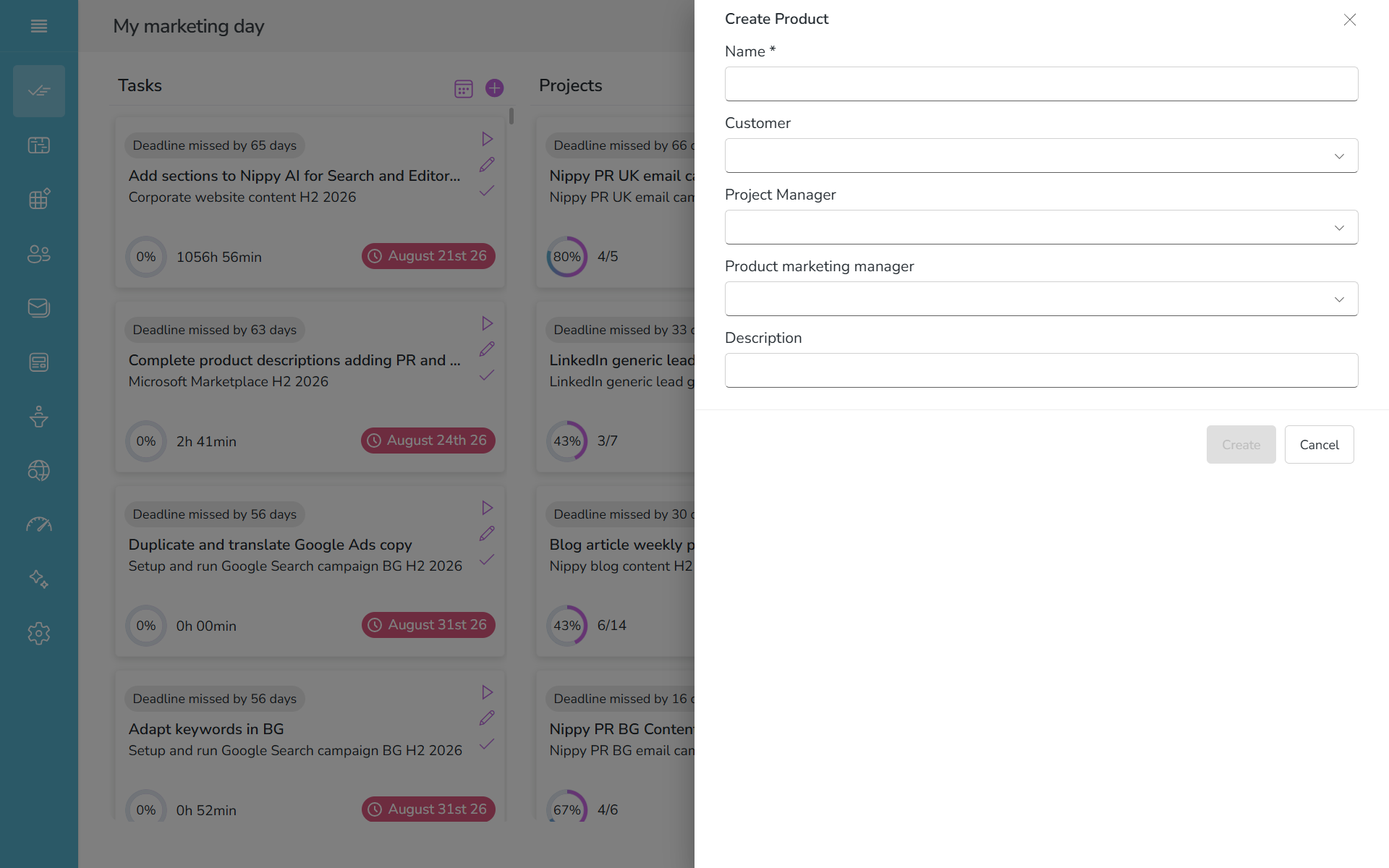
2. Fill in and save the client form. Select Client to assign this product to a Client.
Project Manager is your account manager, responsible for this product.
Product Marketing Manager is the product manager on client or business unit side.