



How to share marketing plan in Nippy
In Nippy you can create a link and share the marketing plan you are working on with nay external or external stakeholders for better collaboration or approval process.
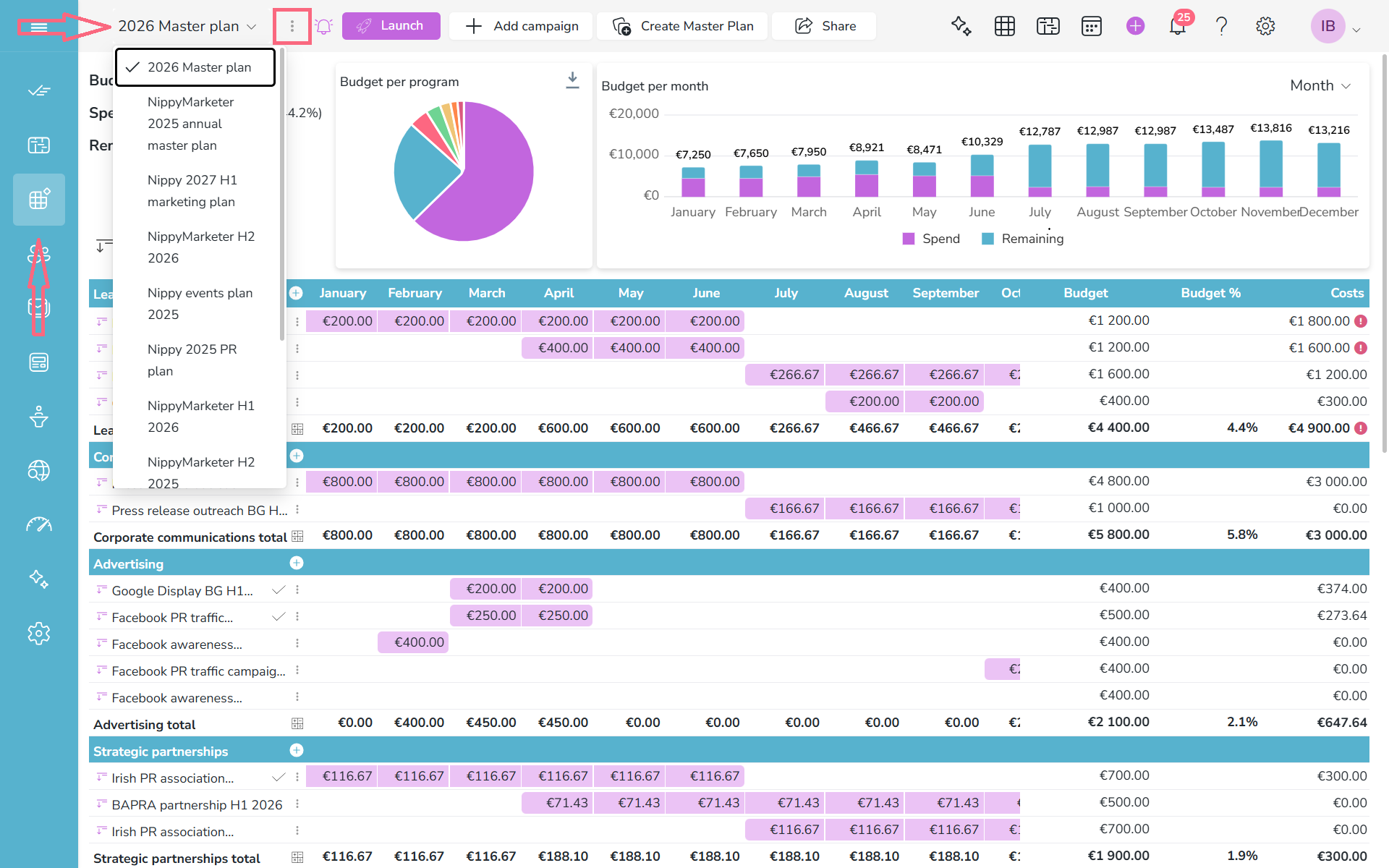
1. Go to My Marketing Plans and select the plan you need to share from the dropdown menu.
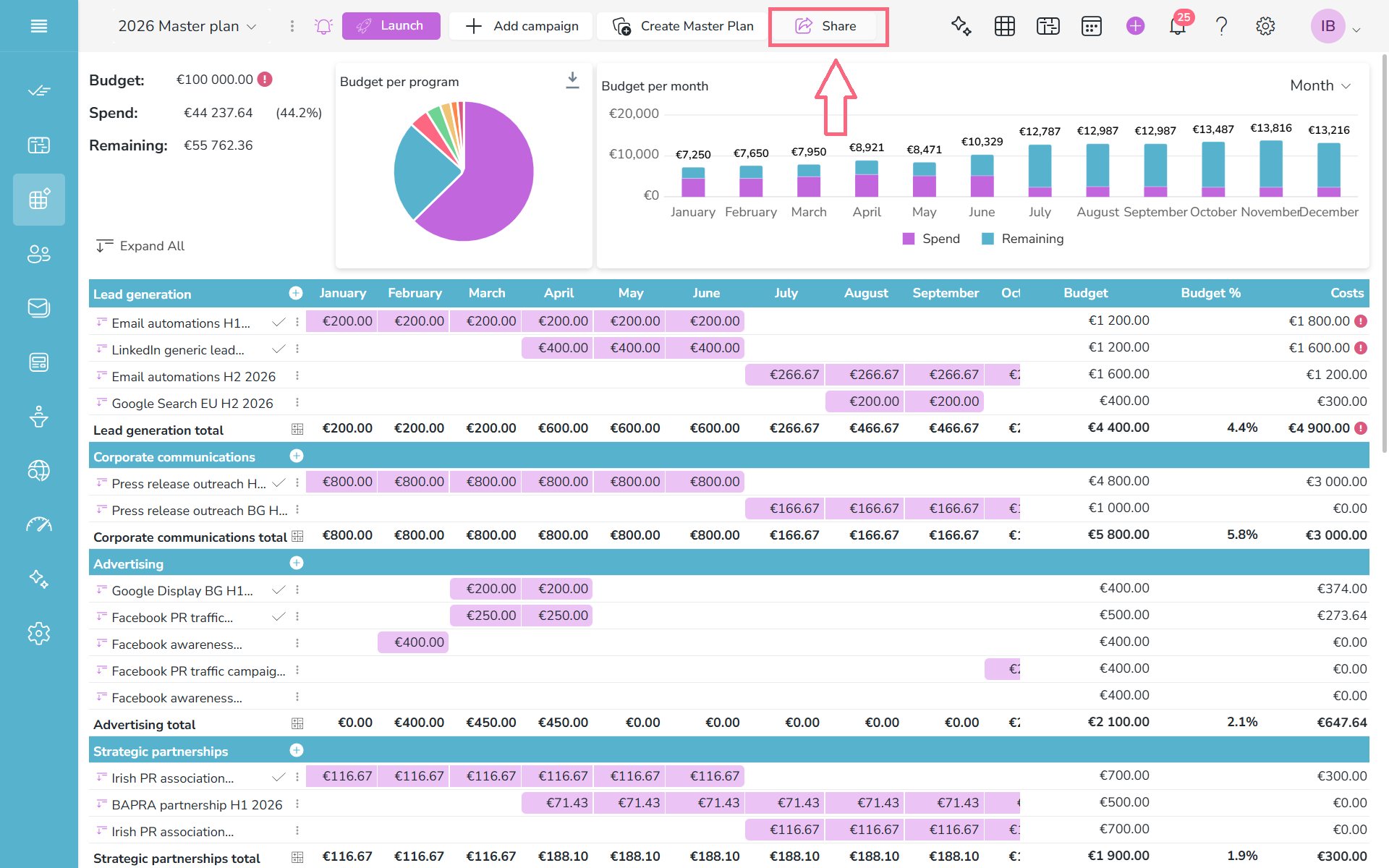
2. Click Share at the top bar.
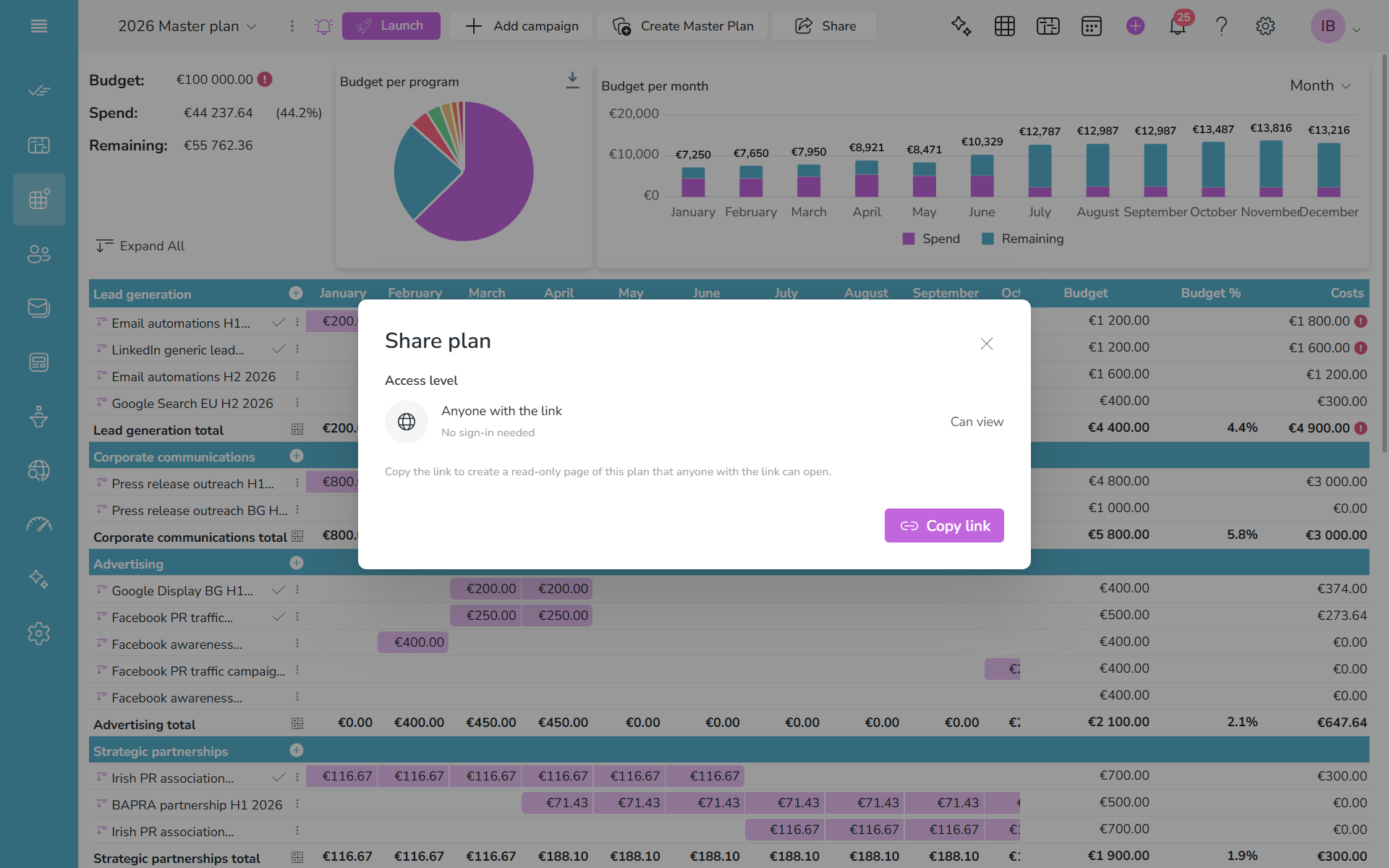
3. You will open the share popup. Copy the created link. Be careful how you share the link. It is visible to all users who have it.
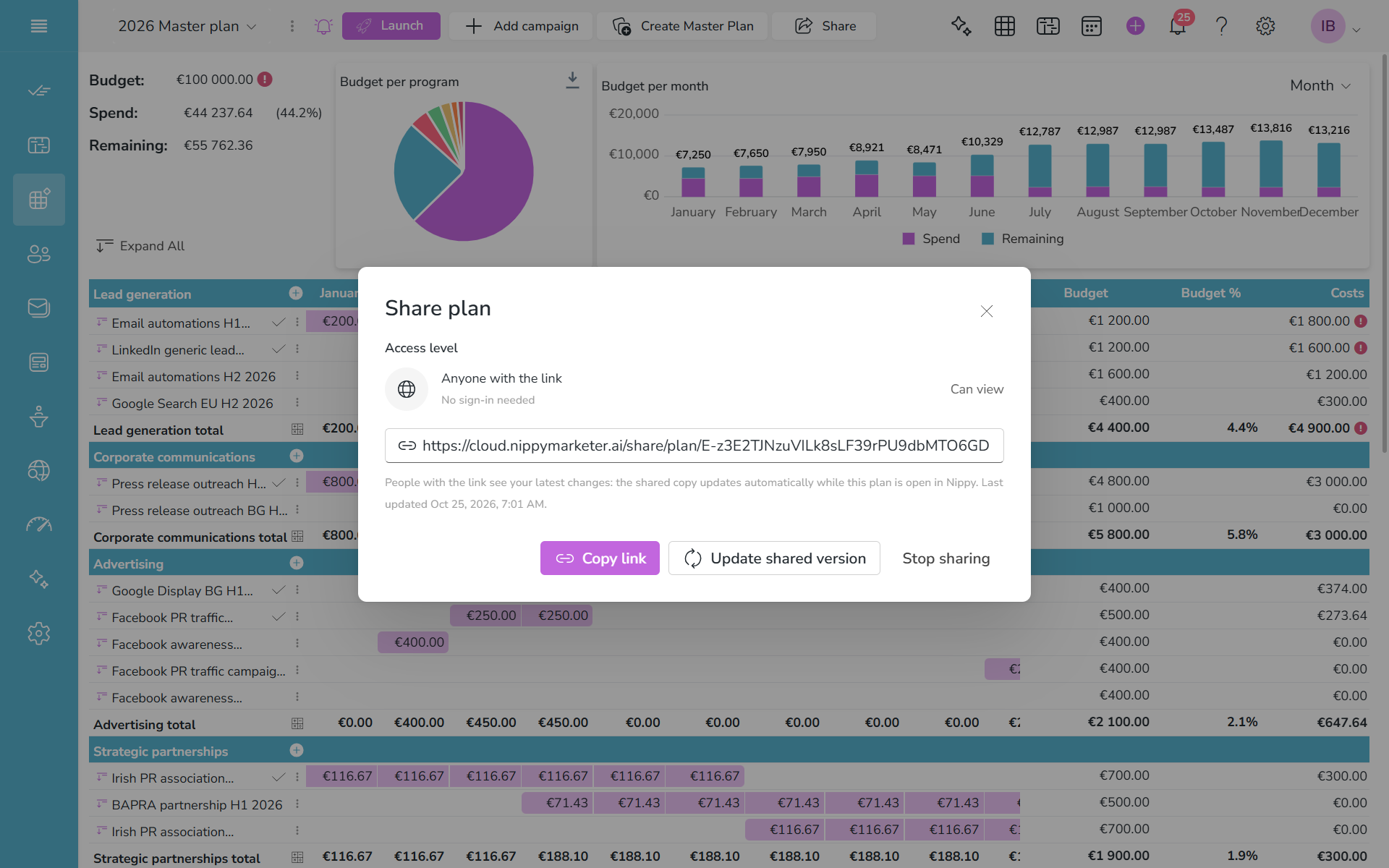
If you wan to stop sharing, open the plan and click Share. You will see the sharing window. Click Stop sharing.
And if you have worked and you want update the share marketing plan version, click Update the shared version.