






How to do sentiment analysis in Nippy Marketer
With Nippy AI Sentiment you can analyze the sentiment in the publications extracted in Nippy Media Monitoring.
Nippy AI Sentiment determines if the tone of the article is positive, negative, or neutral.
This analysis is different from the analysis in the Nippy AI Brand Monitor.
You can override the Nippy AI Sentiment analys if you need to set the tone of voice manually. You can do this for every article in Nippy Media Monitoring.
Nippy AI Sentiment is available for Nippy Integrate and Nippy Agency subscribers. Nippy AI users have limit of the available AI tokens per user per month. You can see your token usage in your profile settings. If you need more AI tokens, please contacts us at sales@nippymarketer.ai.
How to execute sentiment analysis with Nippy AI Sentiment
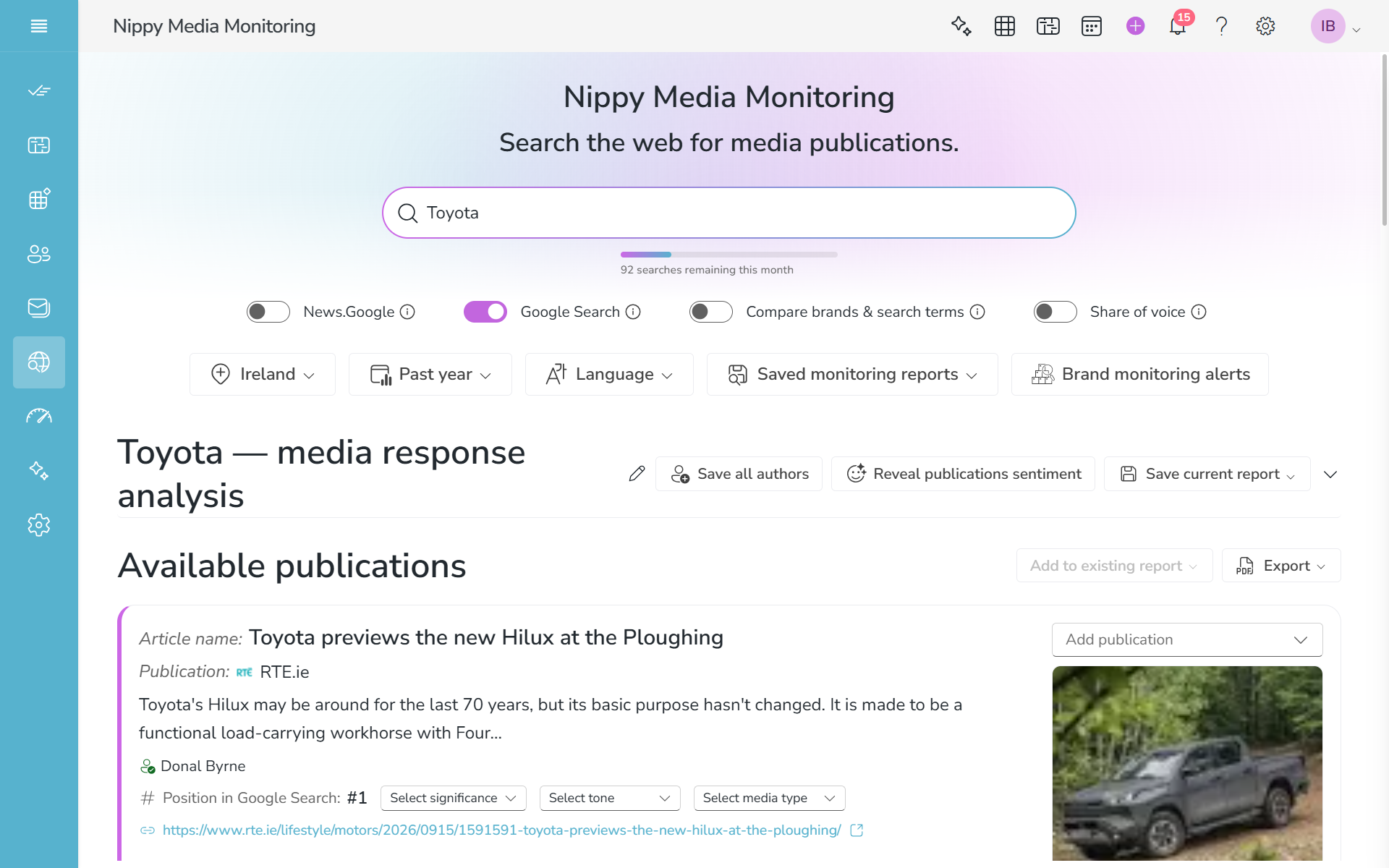
You can run Nippy AI Sentiment in two ways - automatically for saved media monitoring clippings and manually for extracted media clippings.
- Nippy AI Sentiment analyzes articles' tone of voice automatically for every saved media monitoring report. To run Nippy Ai Sentiment automatically, open a saved Media Monitoring report. Nippy AI Sentiment will start work. You can close the report, while Nippy AI Sentiment analyzes in the background.
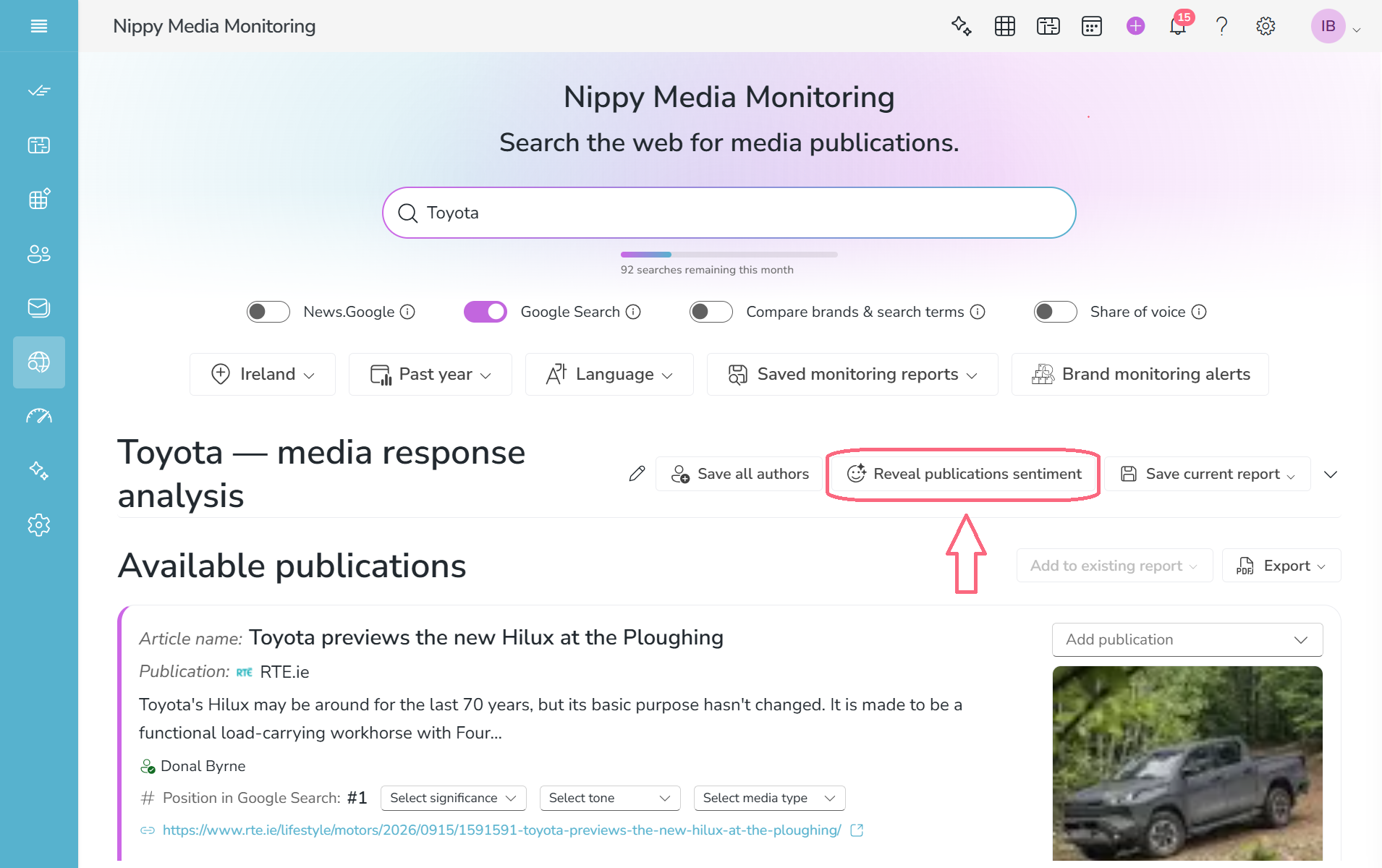
- You can run Nippy AI Sentiment manually for all clippings in media monitoring. Execute a media monitoring search. Before saving it, at the top of the report you will see the Reveal Publications Sentiment button. Click the button and Nippy AI Sentiment will run.
To analyze the tone of voice, Nippy extracts and saves the text of the media publications. In rare cases Nippy might now be able to extract the required text and will not be able to perform sentiment analysis.
Nippy AI Sentiment needs different time to execute the analysis, depending on the number of articles and their length. When Nippy AI Sentiment starts working on the analysis, you can close the saved report and Nippy will continue with the analysis in the background.