






How to create and publish online content in Nippy
With Nippy Content Creator you can build any type of content and publish it online.
How to create content in Nippy
- Go to Web content in the main sidebar menu. You will see the list of your content.
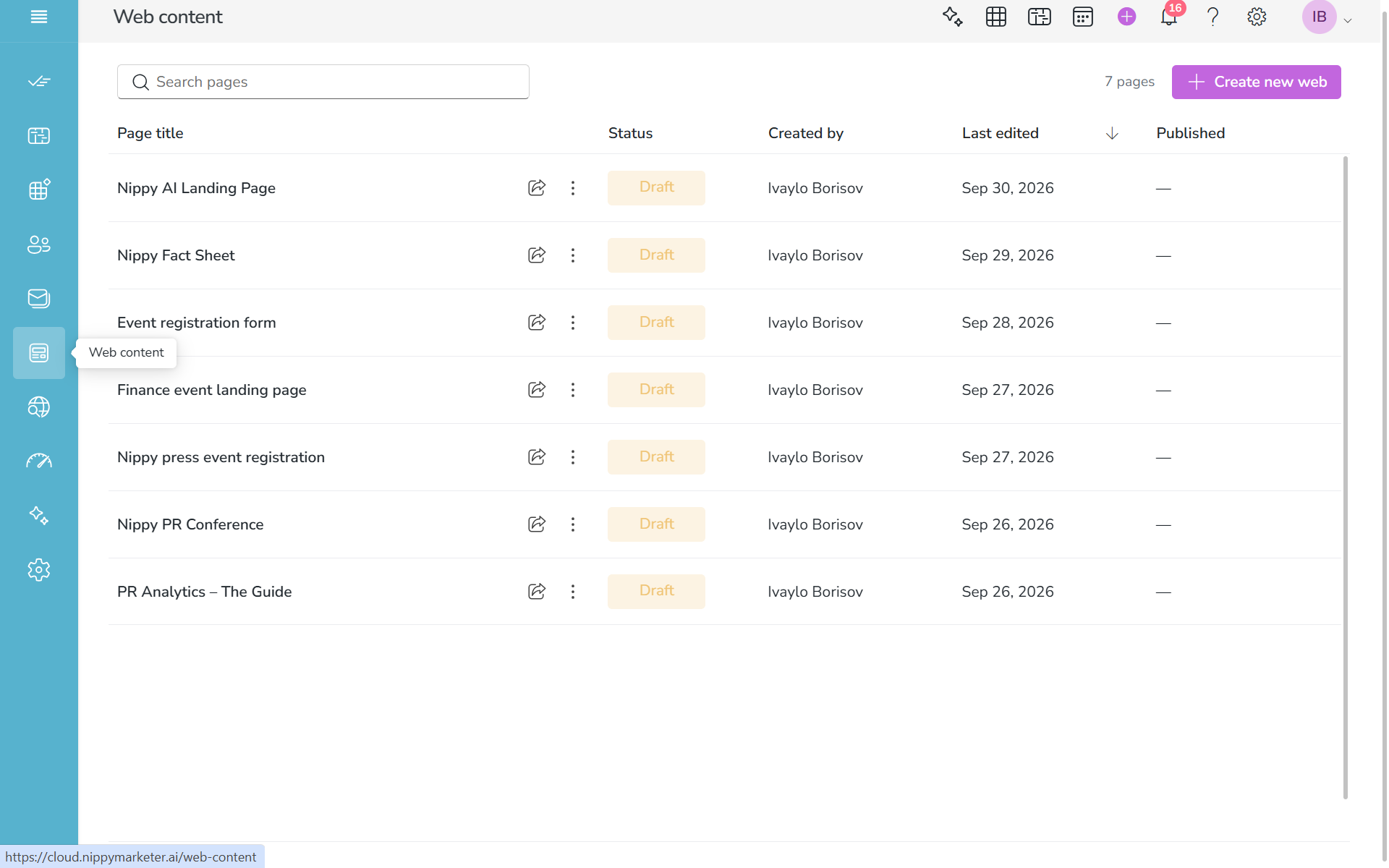
2. Click Create new web button in the top righ corner. You will see the Nippy Content Editor. In Nippy Content Creator you have two editors - Rich Text Editor and a Block Editor. You can swtich between the two editors to use the one you feel more confrotable with and more suitable to your types of content. By default you will see the Nippy Rich Text Editor.
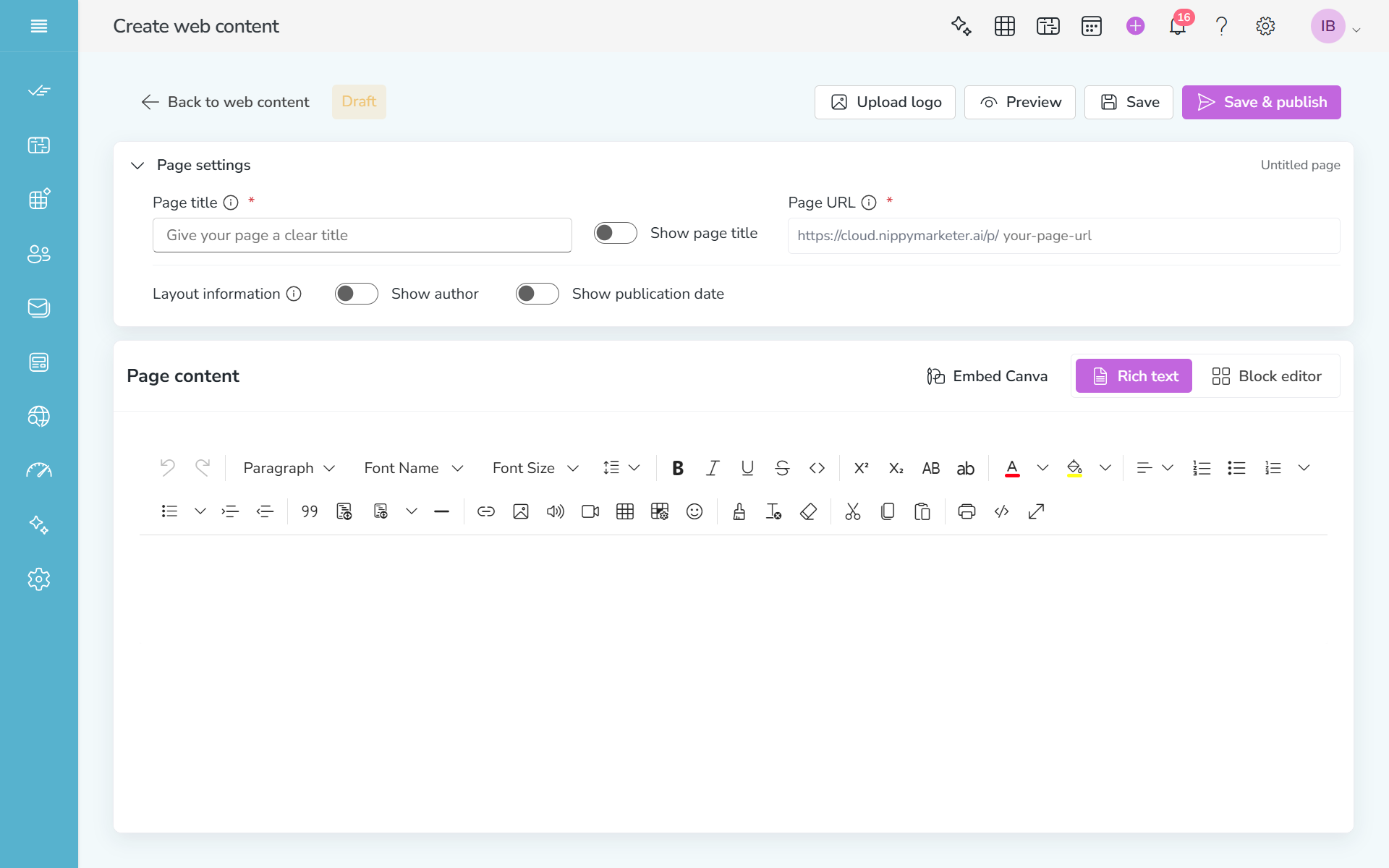
3. Create and edit your content in the content editor area. In Nippy Reach Text editor you can copy any HTML code, using the View code in the tool bar.
Always save your work.
4. When done, check with Preview.
5. When satisfied with your content and URL, click Save & Publish. Your content will go live.